Grafana Static Displays

In the last post I migrated a Grafana database to a new server and took the opportunity to upgrade the Grafana version in the process.

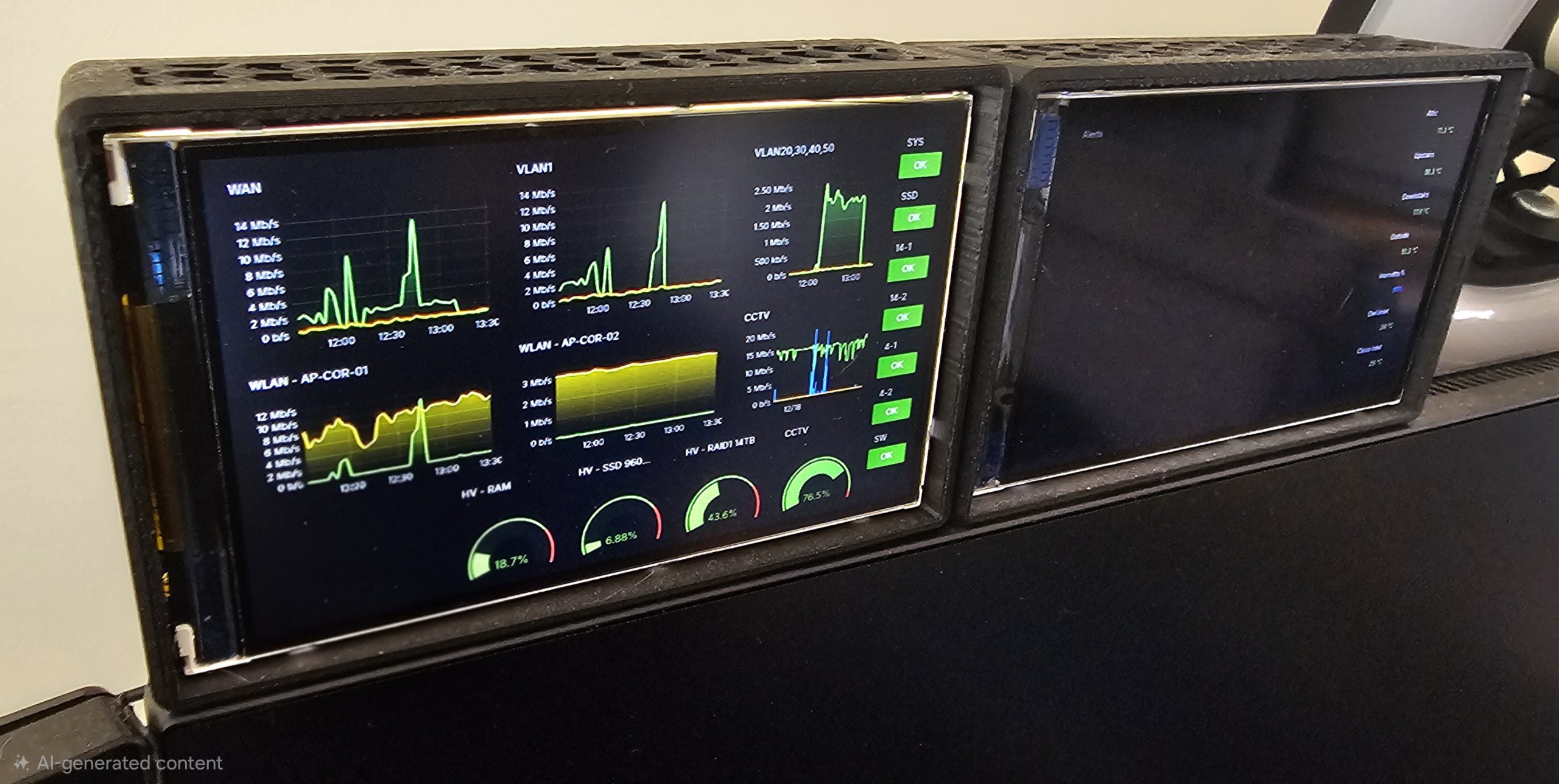
This created a new issue, since Grafana’s supported browser list moves with the times, my two “NOC” screens consisting each of a Raspberry Pi 3A running Raspbian Buster and Hyperpixel 4.0 screens no longer worked. Instead, the outdated Chromium browsers now displayed the “If you’re seeing this Grafana has failed to load its application files” page when visiting the Grafana web interface.

Bringing the OS on the Pi’s up to date is the logical resolution, however, there are a couple of issues with this:

  • One of the Hyperpixel 4.0 screens is an early revision model, meaning the official and legacy drivers do not work.
  • Even with working screen drivers, compatible browsers will not load on the 512MB RAM available to the Pi 3A.

Not wanting to obsolete a pair of Pi 3A’s with a now unique form factor, instead a workaround was found to continue displaying Grafana dashboards on this older hardware. The solution even gave a slight benefit over the original URL…
Continue reading “Grafana Static Displays”

Raspberry Pi Torrent Server – From Scratch

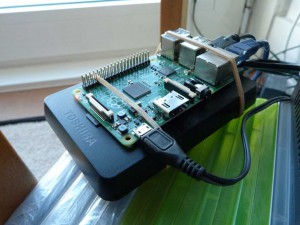
As requested, this is a guide to taking a Raspberry Pi and turning it into an always on Torrent box, complete and self-sufficient with its own mass storage meaning it needs no help from other computers. Also, as the Pi consumes such little power compared to a full desktop PC, money can be saved by using the Pi for overnight transfers while other computers can remain off.

piserver1

For this project I recommend a RPi 2, as its powerful enough to perform the transfers up to its maximum 100Mbps network speed, and is a cheaper choice since the RPi 3 superseded it last year. To get started, you need the following hardware:

  • Raspberry Pi 2 board.
  • Micro USB wall adaptor – Needs to be capable of 2Amp output.
  • Micro SD card – Minimum of 8GB, class 6 or above, plus SD adaptor for connecting to a PC.
  • USB Portable Hard drive – USB powered is preferred, I use a Toshiba Canvio Basics 1TB.
  • Ethernet Cable – And spare port on the modem/router for internet connection.
  • A PC – On the same network as the Pi for connection and configuring.

The Pi was designed to as low cost as possible to the user, so apart from the Pi board you may already have everything to run a Pi, and if not these are cheap and easily available online.

With a RPi 2 at hand, let’s get started…

Continue reading “Raspberry Pi Torrent Server – From Scratch”